
Application log data licensing: find the people first
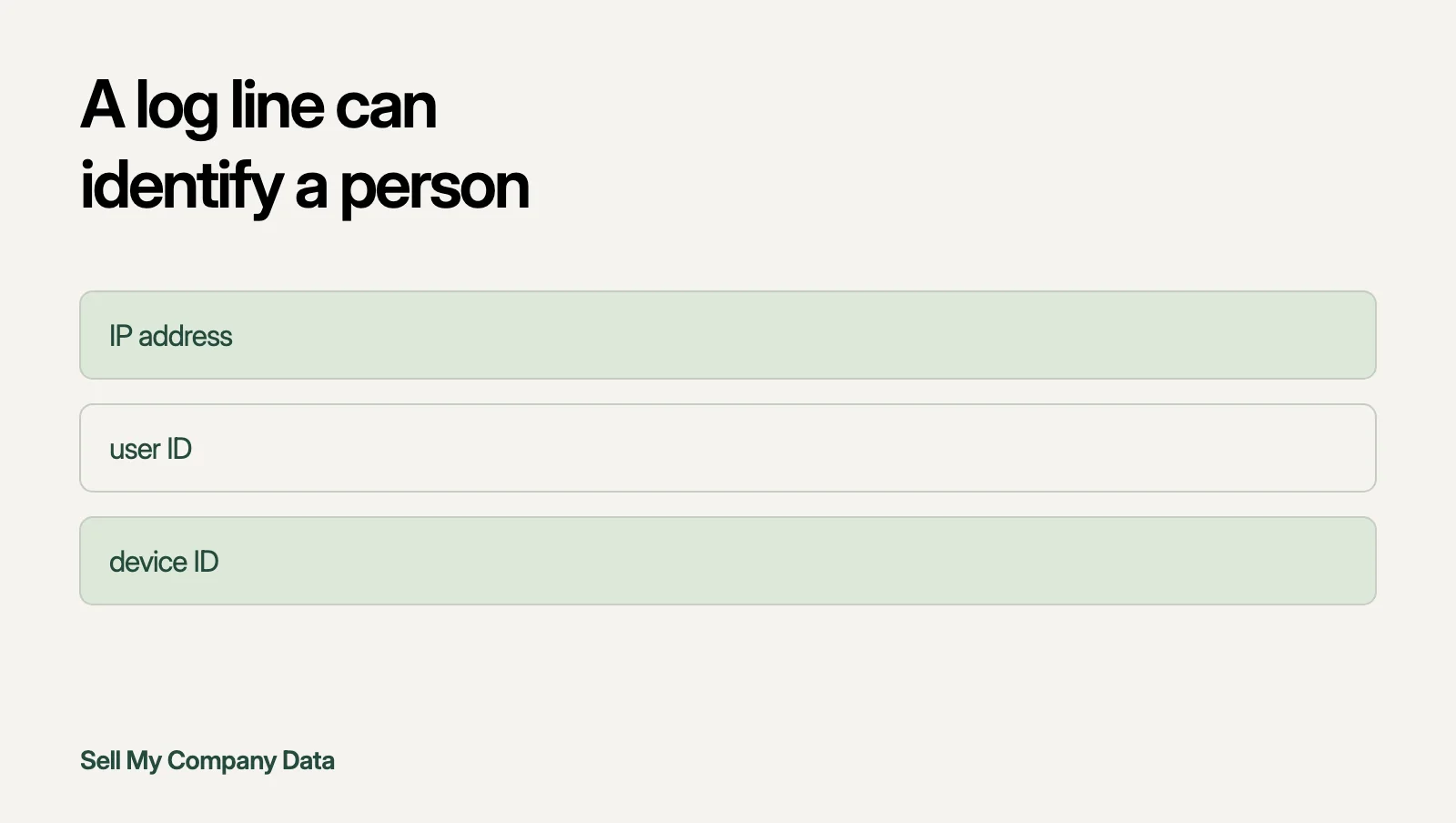
Application logs can be licensed only after you know what personal data they hold. IP addresses, user IDs and device IDs often sit in log fields. Custom fields hide more. Triage the fields first, then check retention copies, then describe only the log types you cleared. Do not share sample lines with a buyer.
By Sell My Company DataPublished 17 November 2026
No files needed to start
- Sources
- 3 primary sources
- Reading time
- About 3 min
- What this adds
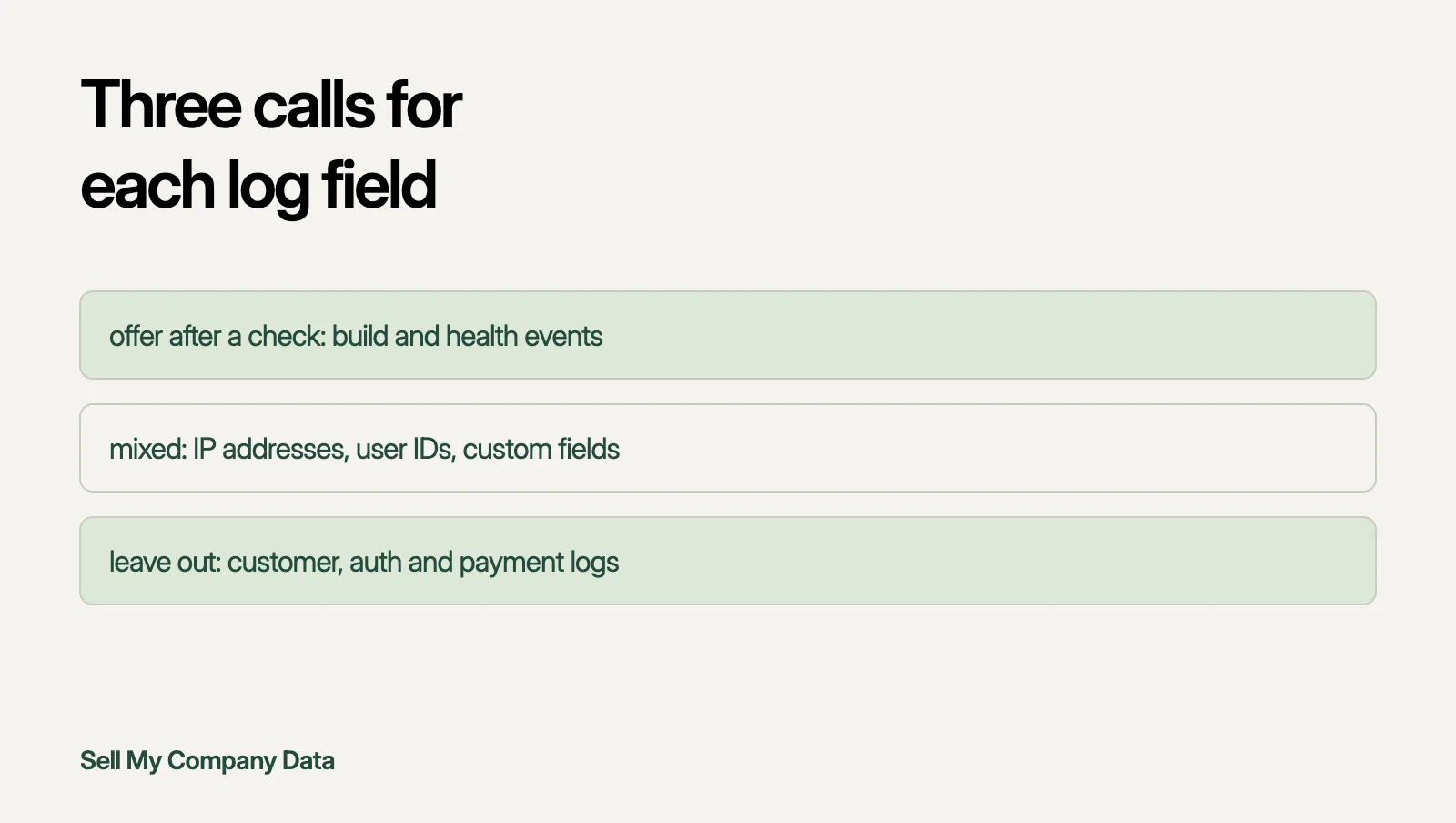
- A log field triage. It turns the places Microsoft tells you to look for personal data into one call per field: offer after a check, mixed, or leave out.
Logs are not just machine noise
Engineering teams treat logs as exhaust. A buyer may see them as rare evidence of how real software fails. Both views skip the question that decides whether a log archive can be offered at all. Who is in it?
Microsoft is direct about this for its own log service. Azure Monitor Logs is a data store where personal data is likely to be found. Your logging stack may differ. The lesson carries over. Assume people are in the logs until a field check shows otherwise.
Where personal data hides in a log
UK GDPR defines personal data as any information relating to an identified or identifiable natural person. The definition lists an online identifier as one way a person can be identified. A log line does not need a name to qualify.
Microsoft's inventory starting points are a useful field list for any stack. They cover IP addresses, user IDs, device IDs, custom data and anything captured by add-on solutions. The same page adds a warning about identifiers that look harmless: look not only for human-readable usernames but also for GUIDs that can be traced back to a particular user.
Custom fields deserve the most suspicion. Developers add them for debugging. Nobody reviews them for privacy.
Retention settings decide what actually exists
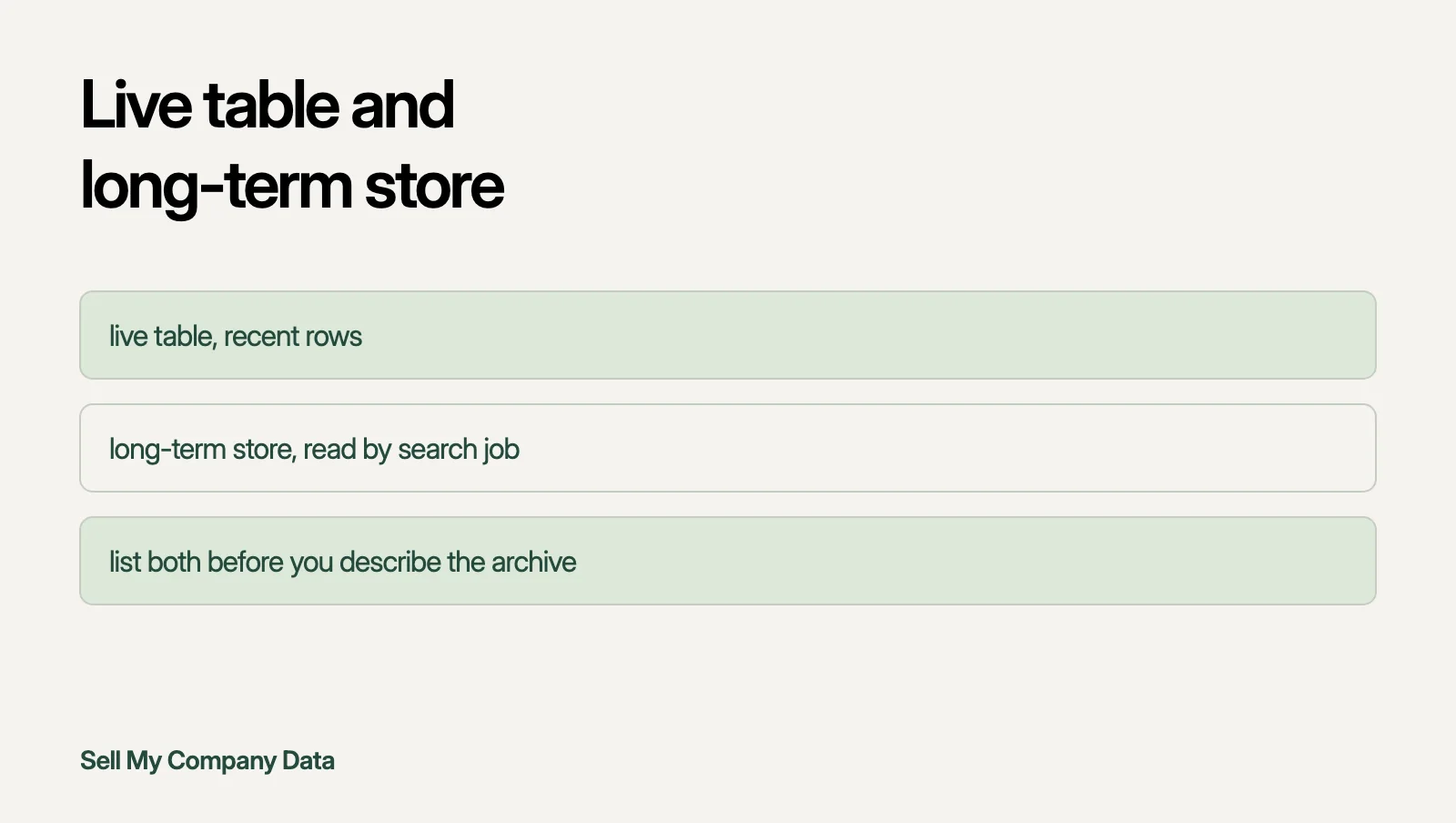
The live log table may not be the whole archive. Microsoft's retention guide describes two states. Data stays in the table after the analytics period for the remainder of the configured total retention period. Older rows can therefore sit in a cheaper long-term state that needs a search job to read.
This changes what you can honestly describe. List the tables, the retention setting on each and the oldest row you can show exists. Do not rely on memory.
Do not purge logs to tidy an archive before a sale. Microsoft warns that delete and purge operations are destructive and non-reversible. A company may also have tax, sector or legal duties to keep records. Ask an adviser before removing anything.
Log field triage: one call per field
Go through one log source at a time. This is a working method, not a legal ruling. A field you cannot place moves down a group.
| Log field | What to check | Call |
|---|---|---|
| Build, deploy and health events | Does any line name a person or a customer | Offer after a check |
| Error codes and stack traces | Do traces print request bodies or query values | Offer after a check |
| IP addresses and device IDs | Can they be linked to a user account or a session | Mixed |
| User IDs and GUIDs | Can another table in your systems map them to a person | Mixed |
| Custom debug fields | Who added them and what do they actually hold | Mixed |
| Logs from customer environments | Which customer contract covers reuse of the data | Leave out |
| Auth, payment and support logs | Do they hold credentials, tokens or message text | Leave out |
Write the call and the reason for each field in one file. A buyer will ask how you decided. Your adviser will ask too.
What a first description contains
Describe only the log types in the first group. Give the system, the date range, the retention setting and the field check you ran. Say which fields you left out and why.
Do not send sample lines. A single line can hold an IP address, a user ID or a pasted error message from a customer. A sample is a disclosure, so keep the triage file instead.
The rights checklist covers the wider evidence a buyer will want. The software code guide covers repositories. The support ticket guide covers the customer conversations that often sit beside logs.
Sources
- Manage personal data in Azure Monitor Logs (Microsoft Learn). Checked 17 November 2026. Relevant text: Azure Monitor Logs is a data store where personal data is likely to be found.
- Manage data retention in a Log Analytics workspace (Microsoft Learn). Checked 17 November 2026. Relevant text: Analytics data remains in the table after Analytics retention for the remainder of the configured total retention period.
- UK GDPR Article 4 (legislation.gov.uk). Checked 17 November 2026. Relevant text: any information relating to an identified or identifiable natural person
Questions
Are application logs personal data?
Often some of the fields are. UK GDPR counts an online identifier as one way to identify a person. IP addresses, user IDs and device IDs commonly appear in logs. Check each field before you decide.
Can we offer logs if we remove names?
Not safely on that step alone. Microsoft warns that GUIDs and similar IDs can trace back to a user. Removing names does not clear identifiers that another table can map to a person.
Where do I find out what my logs hold?
Start with the field list in the triage table. Search for IP addresses, usernames, user IDs, device IDs and custom fields. Check every table that an add-on or integration created.
Should we delete old logs before talking to a buyer?
No. Delete and purge actions cannot be undone. You may also have legal duties to keep records. Describe what exists and ask an adviser before removing anything.
Is this legal advice?
No. It is general information about UK law and Microsoft documentation for one log service. Have a solicitor review any step before you rely on it.